

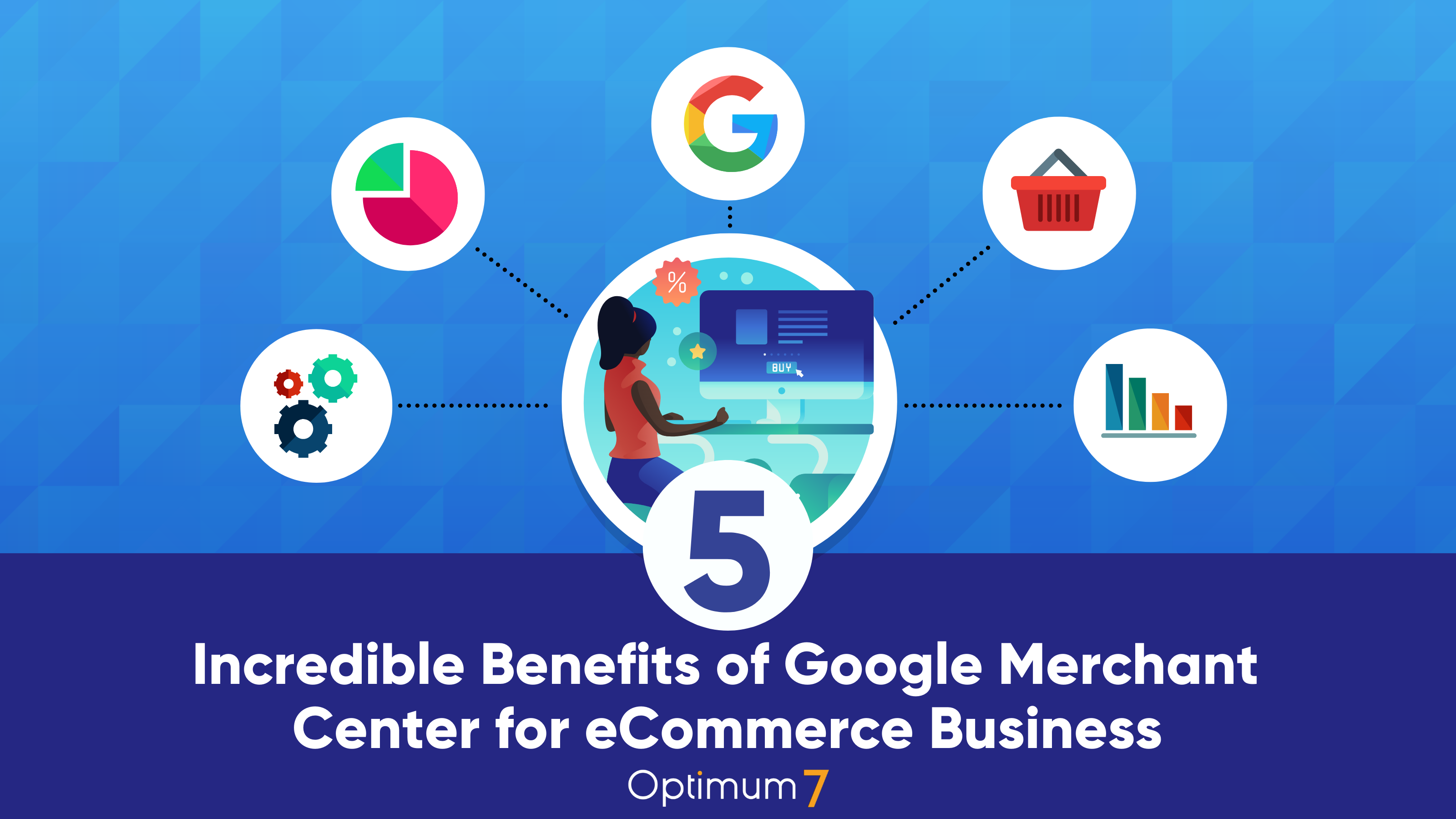
TL;DR: Google Merchant Center is a free tool that puts your product listings in front of shoppers across Google Search, Google Shopping, and Google Maps. Its five core benefits, from automated data syncing to direct Google Ads integration, make it one of the highest-leverage platforms an eCommerce brand can set up. This guide covers each benefit and the setup details that determine whether your listings perform.
Google Merchant Center (GMC) gives eCommerce businesses a free, direct channel into Google’s product search ecosystem. Products listed in GMC can appear in Google Shopping results, standard search results, Google Images, and Google Maps, reaching shoppers at the moment they are actively looking to buy.
Unlike paid search ads that disappear when the budget runs out, free product listings in Merchant Center provide ongoing organic visibility. When paired with Google Ads Shopping campaigns, GMC becomes the data backbone of a paid strategy that can target intent-driven shoppers with precision. Here is a breakdown of the five most significant benefits and how to capture each one.
What Is Google Merchant Center?
Google Merchant Center is the platform where eCommerce businesses upload product data so those products can appear across Google’s surfaces. It acts as the central hub that feeds product titles, descriptions, prices, images, and availability into both organic product listings and paid Shopping campaigns.
Creating an account is free. Free listings appear organically across Google Shopping tabs and, in many cases, within standard search results. Paid visibility, through Shopping Ads managed in Google Ads, requires a separate advertising budget but uses the same product data feed already in Merchant Center.
How Google Merchant Center Works with eCommerce Platforms
GMC integrates directly with the major eCommerce platforms. Once connected, product data syncs automatically. Price changes, inventory updates, and new SKUs flow into your Merchant Center listings without manual uploads.
| Platform | Integration Method | Sync Type | Setup Difficulty |
|---|---|---|---|
| Shopify | Google and YouTube channel app | Automatic | Easy |
| WooCommerce | Google Listings and Ads plugin | Automatic | Moderate |
| BigCommerce | Native Google Shopping integration | Automatic | Easy |
| Magento / Adobe Commerce | Third-party feed management plugins | Semi-automatic | Moderate |
Related: Benefits of Shopify Plus: Why It May Be the Best Enterprise eCommerce Platform
Benefit 1: Enhanced Product Visibility on Google Shopping
Google Shopping surfaces product listings with images, prices, and store names directly in search results, before users click through to any website. Shoppers searching for a specific product see a visual carousel of options at the top of the page, and GMC is the mechanism that gets your products into that carousel.
How Product Listings Appear in Search Results
When a user searches for “women’s running shoes size 9” on Google, the Shopping results pull directly from Merchant Center feeds. Google matches the search query to product titles and attributes in those feeds, then ranks listings based on relevance, bid (for paid listings), and feed data quality. A product with a vague title and no GTIN identifier will consistently underperform against a competitor whose feed is fully optimized.
Free listings appear in the Google Shopping tab and, depending on the query, in the main search results page. Paid listings appear in the Shopping carousel at the top of search results. Both draw from the same Merchant Center product feed.
Optimizing Listings for Maximum Exposure
Feed quality is the primary lever for improving visibility. Specific improvements that consistently raise impression share:
Benefit 2: Centralized Product Data Management
Managing product information across a website, a marketplace, and multiple ad platforms creates significant overhead. Google Merchant Center eliminates the redundancy by serving as a single source of truth for product data. Once your eCommerce platform is linked, changes made in your store propagate automatically to your GMC listings.
Automatic Syncing Across Platforms
Real-time price and inventory sync prevents a common and costly problem: a customer clicks a Shopping ad for a product priced at $49, lands on a product page showing $59, and abandons. Merchant Center’s sync ensures the price in the listing matches the price on the site at the moment the shopper sees it. Mismatches between GMC pricing and site pricing are also a leading cause of listing disapprovals.
Beyond pricing, Merchant Center also manages supplemental feeds, which allow you to layer additional attributes like sale prices, custom labels for campaign segmentation, and promotional text on top of your primary feed, without rebuilding the entire feed from scratch.
Benefit 3: Performance Analytics That Drive Decisions
Google Merchant Center surfaces performance data that most eCommerce analytics tools do not capture at the product listing level. Rather than seeing only site-level traffic, GMC shows how individual products perform before a user ever reaches your website.
Key Metrics Google Merchant Center Tracks
The GMC performance dashboard tracks:
- Impressions: How often a product listing appeared in search results.
- Clicks: How often shoppers clicked through to the product page.
- Click-through rate (CTR): The ratio of clicks to impressions, which reflects how compelling a listing is relative to competitors in the same results.
- Conversions and conversion value: Available when Google Ads is linked and conversion tracking is active.
- Diagnostics: Feed errors, listing disapprovals, and policy violations that are suppressing product visibility.
Using Insights to Improve Listing Performance
The most actionable use of GMC analytics is identifying products with high impressions but low CTR. A product that appears frequently but rarely gets clicked signals a listing quality problem, either a weak title, a poor image, or a price that is uncompetitive relative to what shoppers see in the same results row.
Conversely, a product with strong CTR but low conversion rate points to a landing page problem, not a listing problem. The shopper was interested enough to click but did not buy. That distinction saves time by directing optimization effort to the right layer of the funnel. For stores where that pattern repeats, product option presentation is often the gap. Optimum7’s AI Product Option Configurator lets you paste any product URL and instantly preview how variant selectors would look as cards, stacks, or guided steps, without touching your live store.
Benefit 4: Seamless Integration with Google Ads Shopping Campaigns
Google Merchant Center and Google Ads are separate platforms that function as a single system when linked. The product feed in Merchant Center is what makes Shopping campaigns possible. Without it, Google Ads has no product data to show in Shopping formats.
Shopping Campaigns That Target Buyer Intent
Standard search ads target keywords. Shopping campaigns target product intent. A shopper searching “buy stainless steel water bottle 32oz” has already made most of the purchase decision before clicking. Shopping ads intercept that intent with a product image, price, and store name, which is why Shopping campaigns typically see higher conversion rates than generic search ads for eCommerce products.
Performance Max campaigns, Google’s current default campaign type for Shopping, use the product feed from Merchant Center as their core input and distribute ads across Search, Shopping, YouTube, Display, Discover, and Gmail from a single campaign. The quality of your Merchant Center feed directly determines how well these campaigns perform.
Improving ROAS with GMC Data
Custom labels in Merchant Center allow you to tag products by margin, seasonality, clearance status, or any other business attribute. Those labels carry into Google Ads, where you can set different bids for high-margin products versus low-margin ones, or increase bids on seasonal items before peak demand periods.
“The quality of your Merchant Center feed is the single largest lever on Shopping campaign performance. Google Ads budget only amplifies what the feed makes possible.”
Bid adjustments based on device type, geographic area, and audience segment are also applied through Google Ads using the data that flows from Merchant Center. This makes feed optimization and campaign optimization inseparable parts of the same ROAS improvement process. Optimum7’s digital marketing team manages Google Merchant Center setup, feed optimization, and Shopping campaign management for eCommerce brands.
Benefit 5: Local Inventory Ads and Customer Review Features
For brands with physical retail locations, Google Merchant Center offers two features that extend its value well beyond digital-only eCommerce: Local Inventory Ads and Seller Ratings.
Local Inventory Ads
Local Inventory Ads (LIAs) show a store’s in-store product availability to nearby shoppers searching on Google. When a user clicks the ad, they see a store-hosted page (a “Local Storefront”) with real-time inventory, store hours, and directions to the nearest location.
LIAs require a separate local product feed in Merchant Center that maps inventory to specific store locations. They are particularly effective for categories where shoppers want to see or try a product before buying, such as furniture, electronics, and apparel. A shopper searching “running shoes near me” will see local inventory results that show exactly which sizes are available at a nearby store.
Seller Ratings and Customer Reviews
Google Merchant Center aggregates seller ratings from multiple review sources, including Google Customer Reviews (an opt-in post-purchase survey program managed through GMC), third-party review platforms such as Trustpilot and Bazaarvoice, and Google Shopping reviews. These ratings appear as star annotations on Shopping ads and in free listings.
Seller ratings require a minimum of 100 reviews collected in the past 12 months and a minimum average score threshold before they appear. Brands that actively collect post-purchase reviews through Google Customer Reviews, which is free to join through Merchant Center, typically see improved CTR on their Shopping listings once the star annotation activates.
Getting Started with Google Merchant Center
Setting Up Your Account
Four Tips for Effective Product Listings
Frequently Asked Questions
What is Google Merchant Center?
Google Merchant Center is a free platform where eCommerce businesses upload and manage their product data so those products can appear across Google Search, Google Shopping, Google Images, and Google Maps. It acts as the central hub that feeds product information into Google’s advertising and organic product listing systems.
Is Google Merchant Center free to use?
Yes. The Merchant Center account and free product listings cost nothing. Free listings can appear organically in the Google Shopping tab and standard search results. Paid Shopping Ads, which run through Google Ads and require an advertising budget, are a separate and optional layer on top of the free account.
What is the difference between Google Merchant Center and Google Ads?
Merchant Center stores your product data. Google Ads uses that data to run paid campaigns. Merchant Center is where your product feed lives; Google Ads is where you set budgets, bids, and targeting for Shopping campaigns. Both accounts must be linked for Shopping campaigns to run, but they are managed separately.
How does Google Merchant Center work with Shopify?
Shopify connects to Merchant Center through the Google and YouTube channel app in the Shopify App Store. Once connected, your product catalog syncs automatically. Price changes, inventory updates, and new products are reflected in Merchant Center listings without manual feed uploads.
What are Local Inventory Ads?
Local Inventory Ads are a Merchant Center feature that shows in-store product availability to nearby shoppers searching on Google. Clicking the ad opens a Google-hosted storefront for your location showing real-time inventory, hours, and directions. They require a separate local product feed in Merchant Center mapped to specific store locations.
What metrics does Google Merchant Center track?
GMC tracks impressions, clicks, click-through rate, and conversion data for product listings. It also surfaces feed diagnostics including disapprovals, feed errors, and policy violations. When linked to Google Ads, it provides campaign-level ROAS, cost-per-click, and conversion value data broken down by product.
How do I optimize my product listings in Google Merchant Center?
Start with accurate, keyword-rich product titles that front-load the most important attributes. Include GTINs or MPNs for any branded products. Use high-resolution images that meet Google’s minimums. Verify that your feed prices match your live site prices exactly. Monitor the Diagnostics tab weekly and resolve disapprovals before they accumulate.
Related:
SEO for AI Search Engines: 8 Proven Strategies for eCommerce and B2B Sites
Benefits of Shopify Plus: Why It May Be the Best Enterprise eCommerce Platform
About the author: Duran Inci is the CEO and Co-Founder of Optimum7, an eCommerce development and digital marketing agency. He helps mid-market and enterprise brands scale revenue through conversion optimization, SEO, and custom eCommerce solutions.